

Sep 21, 2026Matt
Understanding the Stripe Data Model for Reporting
Learn how the Stripe data model works for reporting, how key Stripe objects relate to each other, and how to analyze them in Google Sheets.
Blog
Deep dives on Stripe → Sheets sync, infra architecture, and product decisions behind SyncStaq.
Learn how the Stripe data model works for reporting, how key Stripe objects relate to each other, and how to analyze them in Google Sheets.
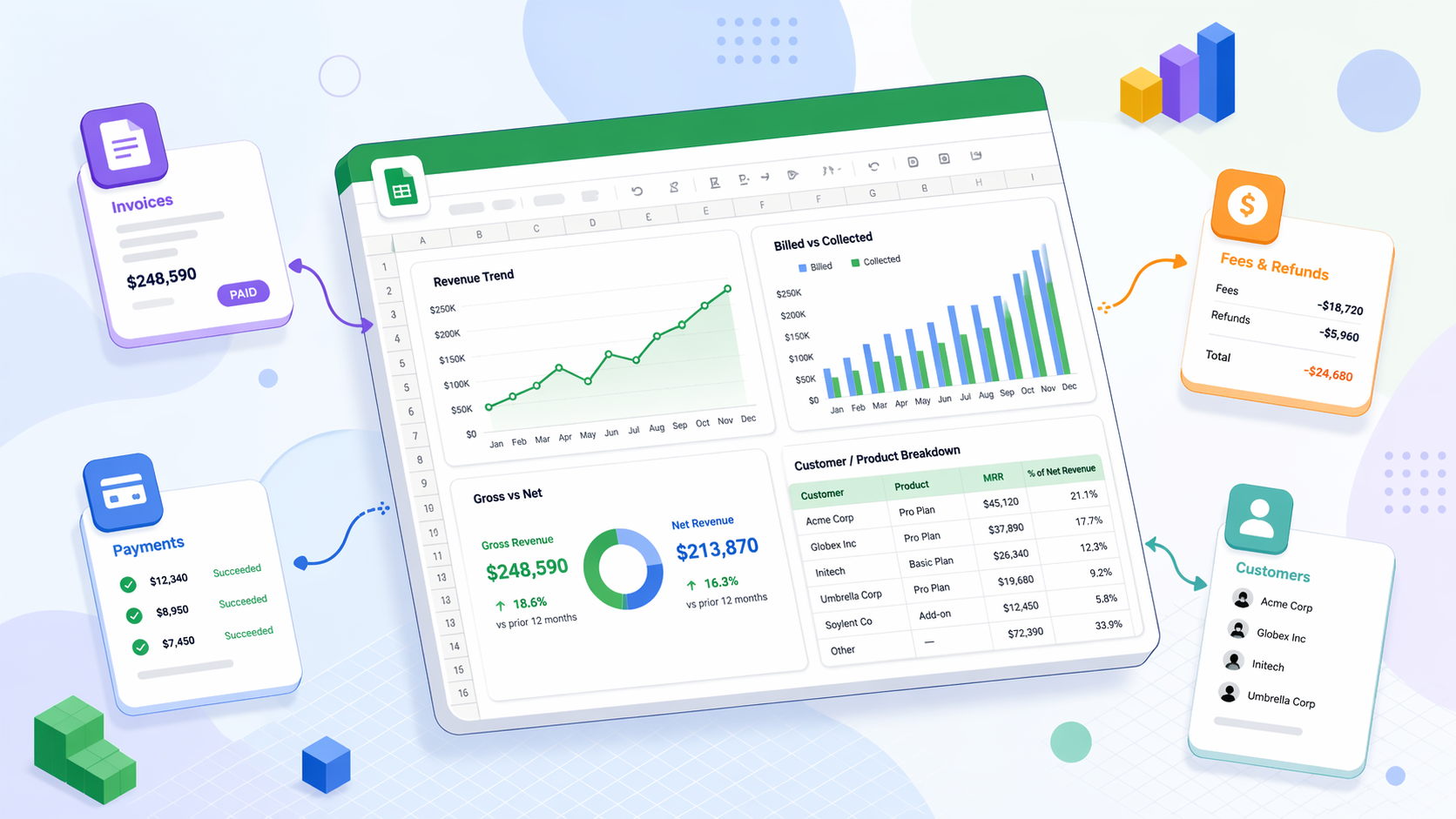
Learn how to build a Stripe revenue dashboard in Google Sheets using invoice, payment, customer, product, and fee data.

Learn how to build a Stripe MRR dashboard in Google Sheets using subscription, product, price, and customer data from Stripe.

Learn what Stripe already provides for MRR reporting, which dashboard exports are available, and when custom MRR analysis in Google Sheets is needed.
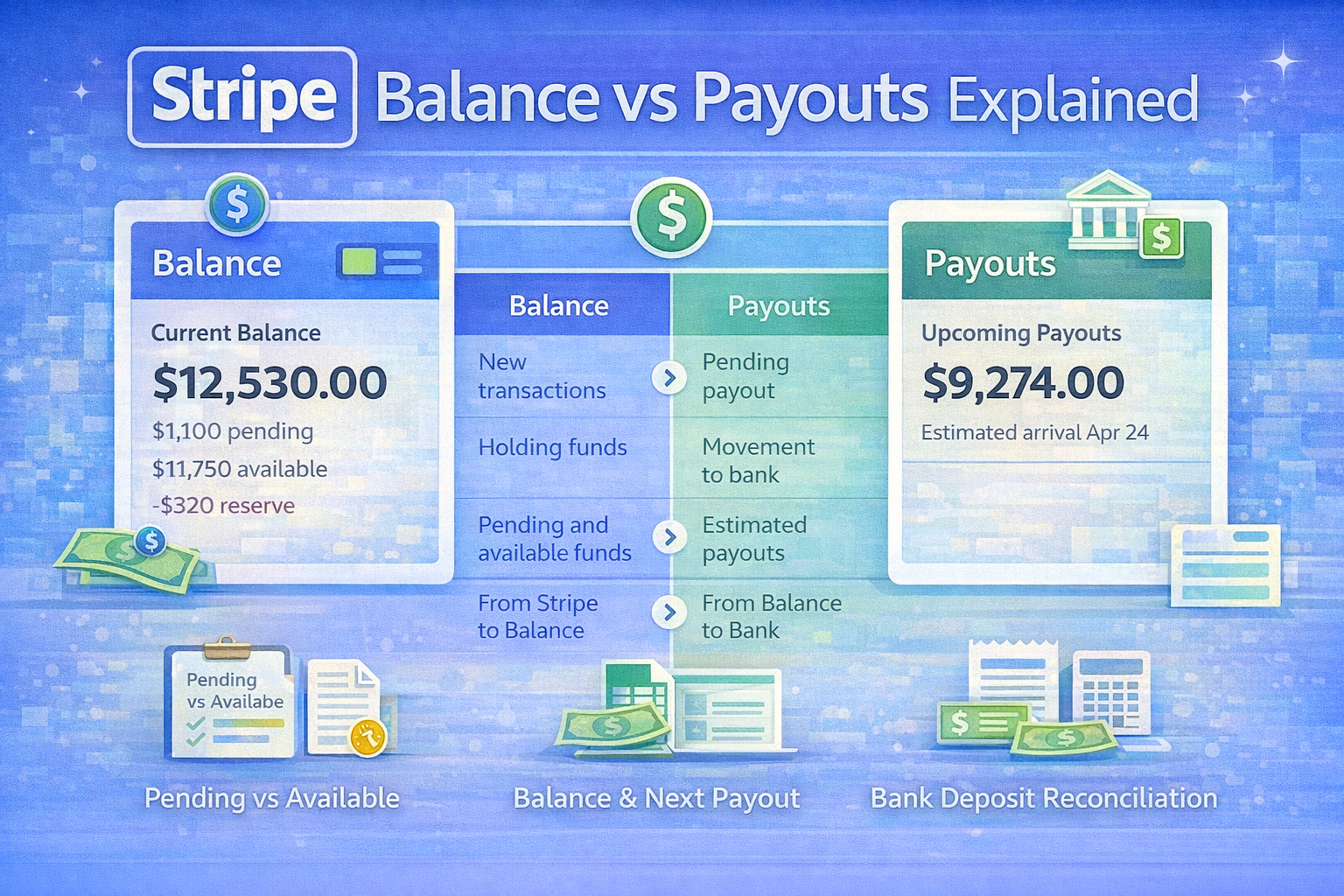
Learn the difference between Stripe balance and payouts, how they relate to transaction activity, and how to analyze both in Google Sheets.
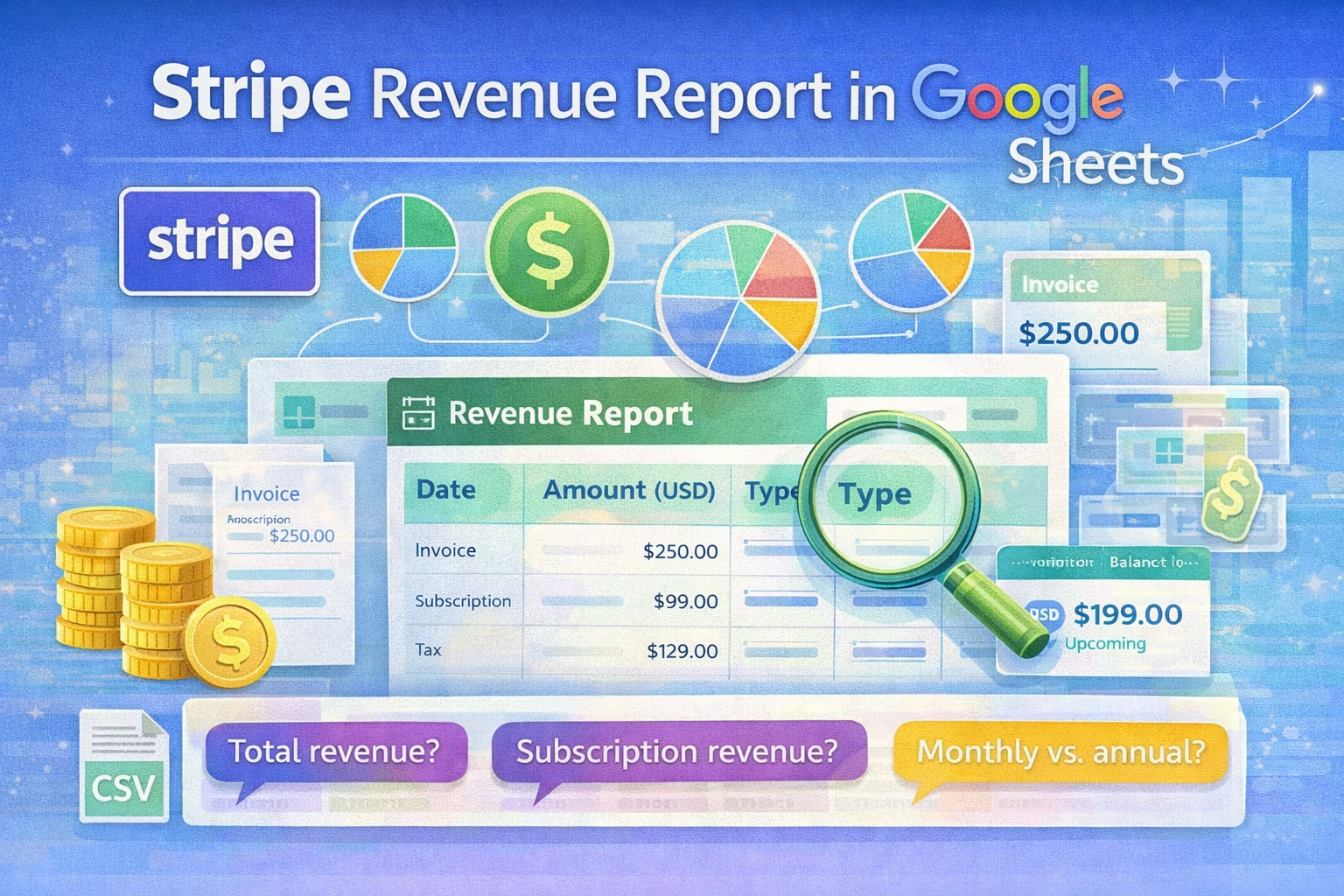
Learn how to build a Stripe revenue report in Google Sheets, which Stripe exports to use, and how to track revenue without repeated CSV cleanup.
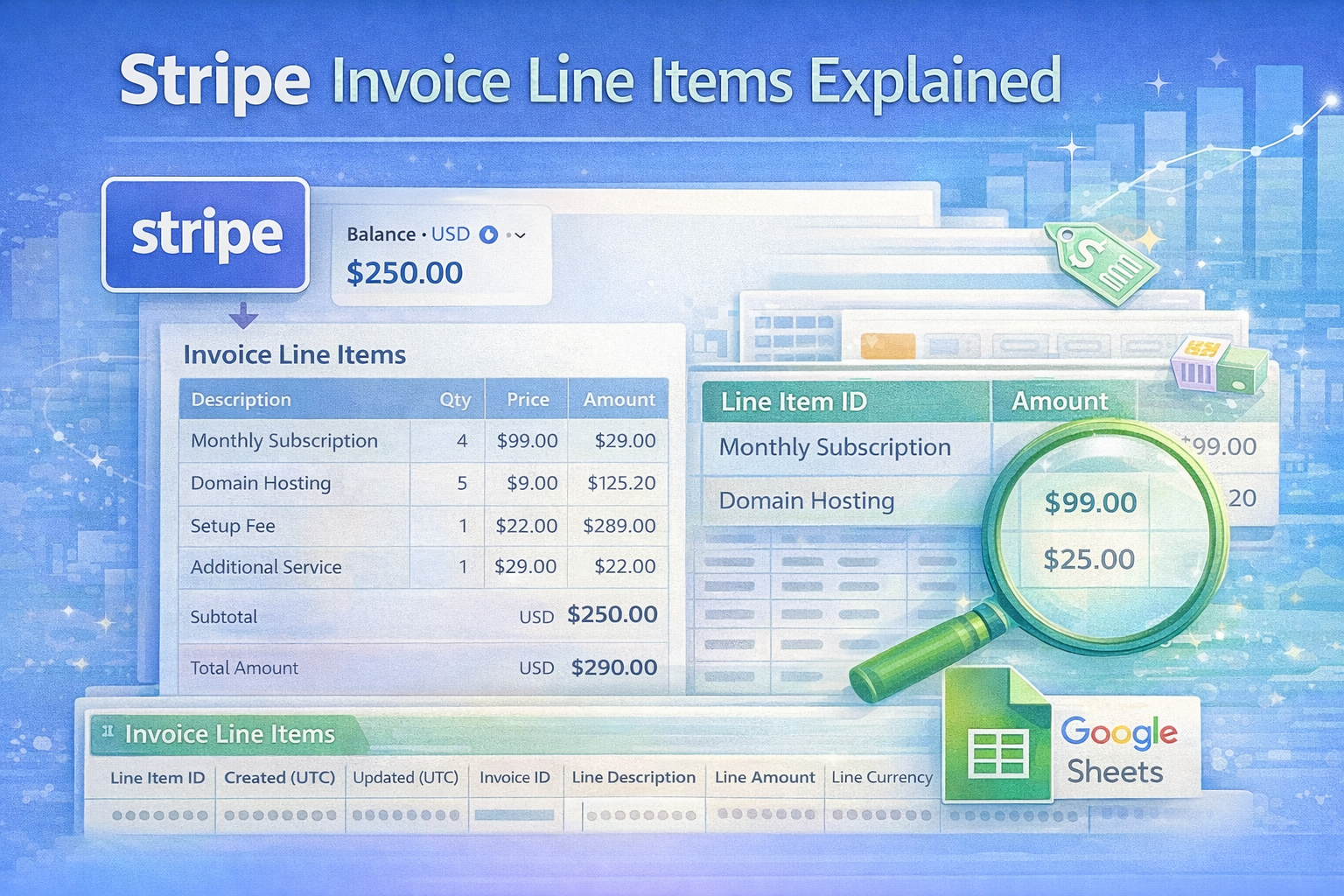
See what Stripe invoice line items contain, how they differ from invoice items, which API fields matter, and how to retrieve or export line-level data.
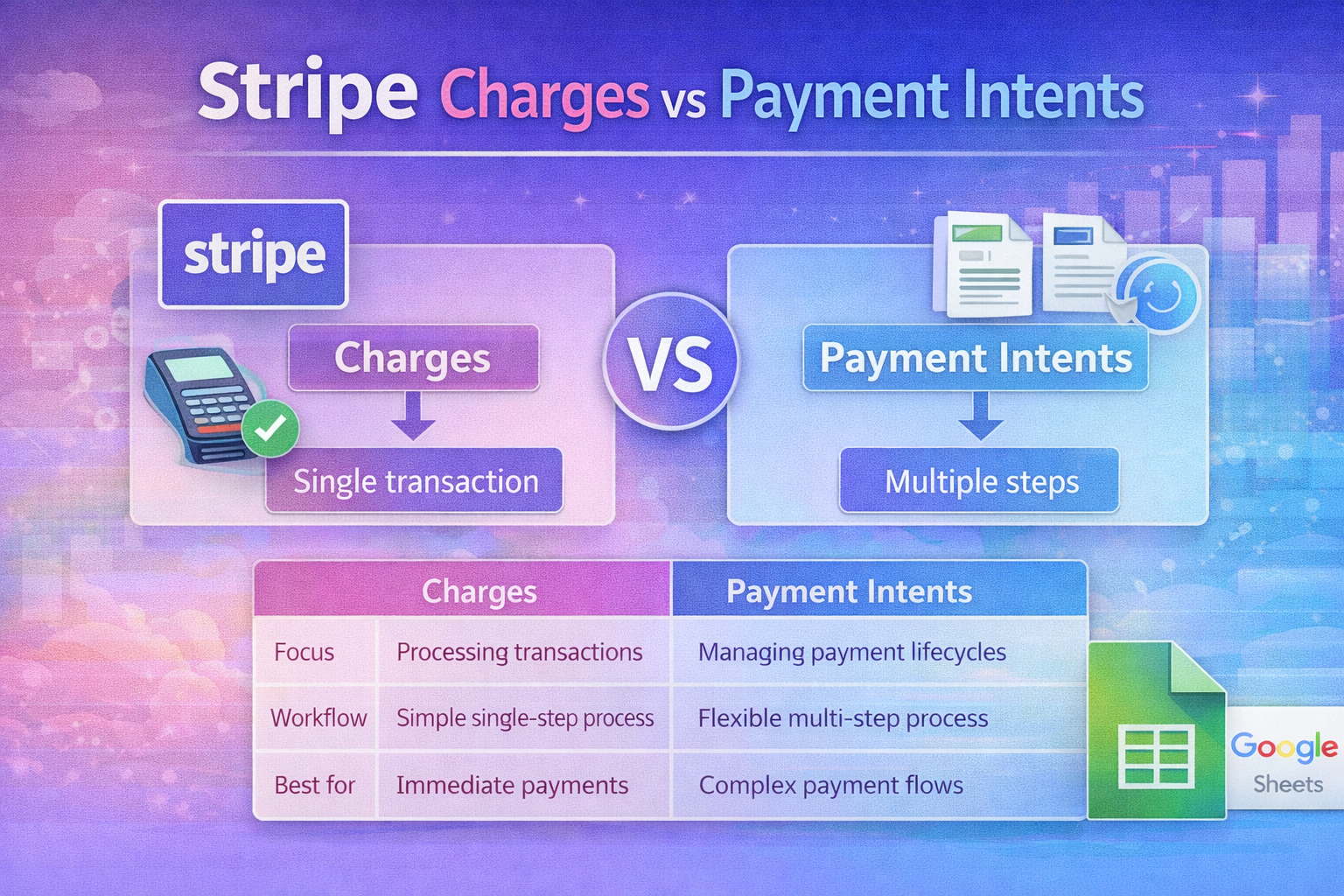
Learn how Stripe Charges and Payment Intents differ, how retries connect them, and which object to use for payment status, refunds, or reporting.
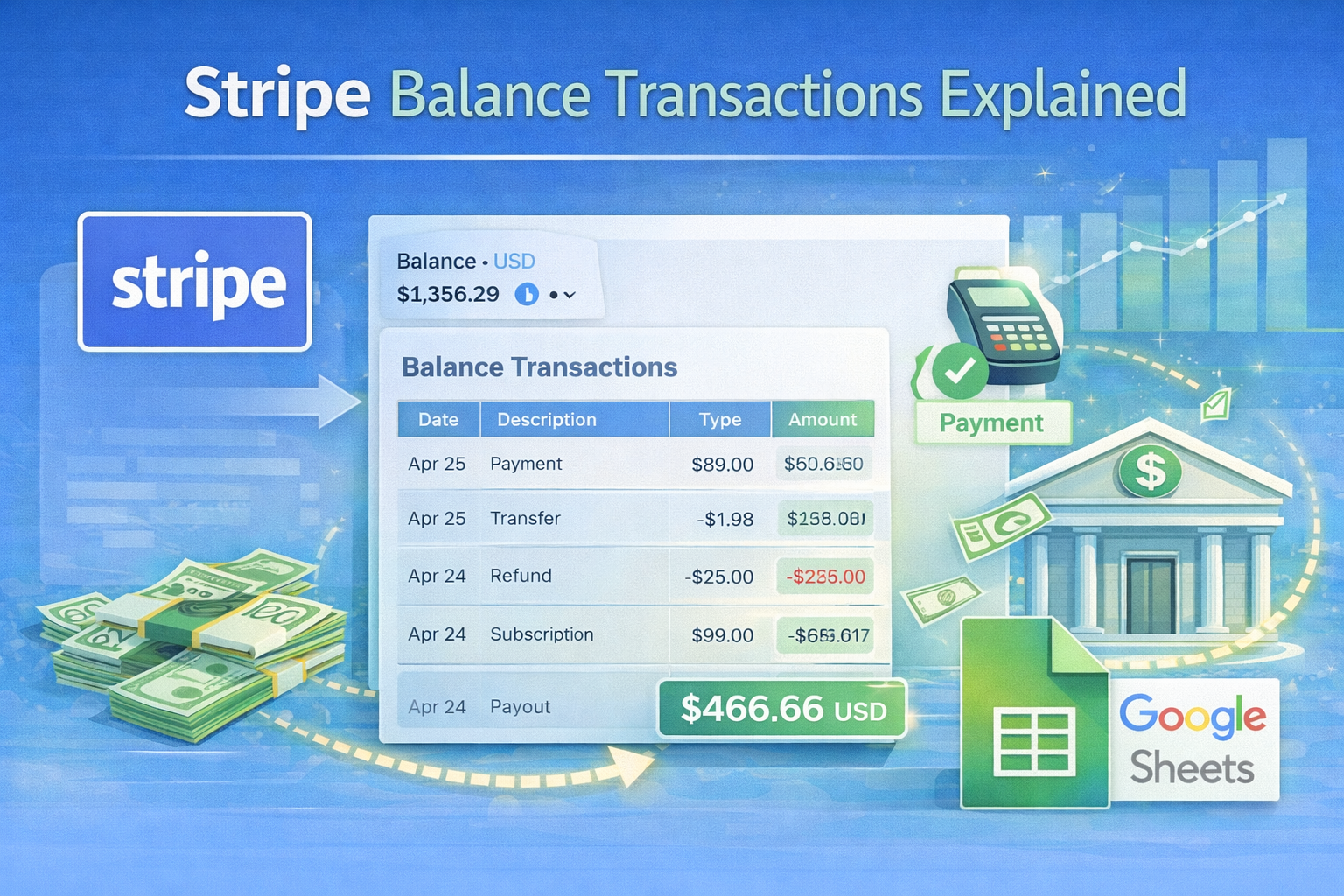
Learn what Stripe balance transactions are, how they relate to payouts, fees, and refunds, and how to analyze them in Google Sheets.
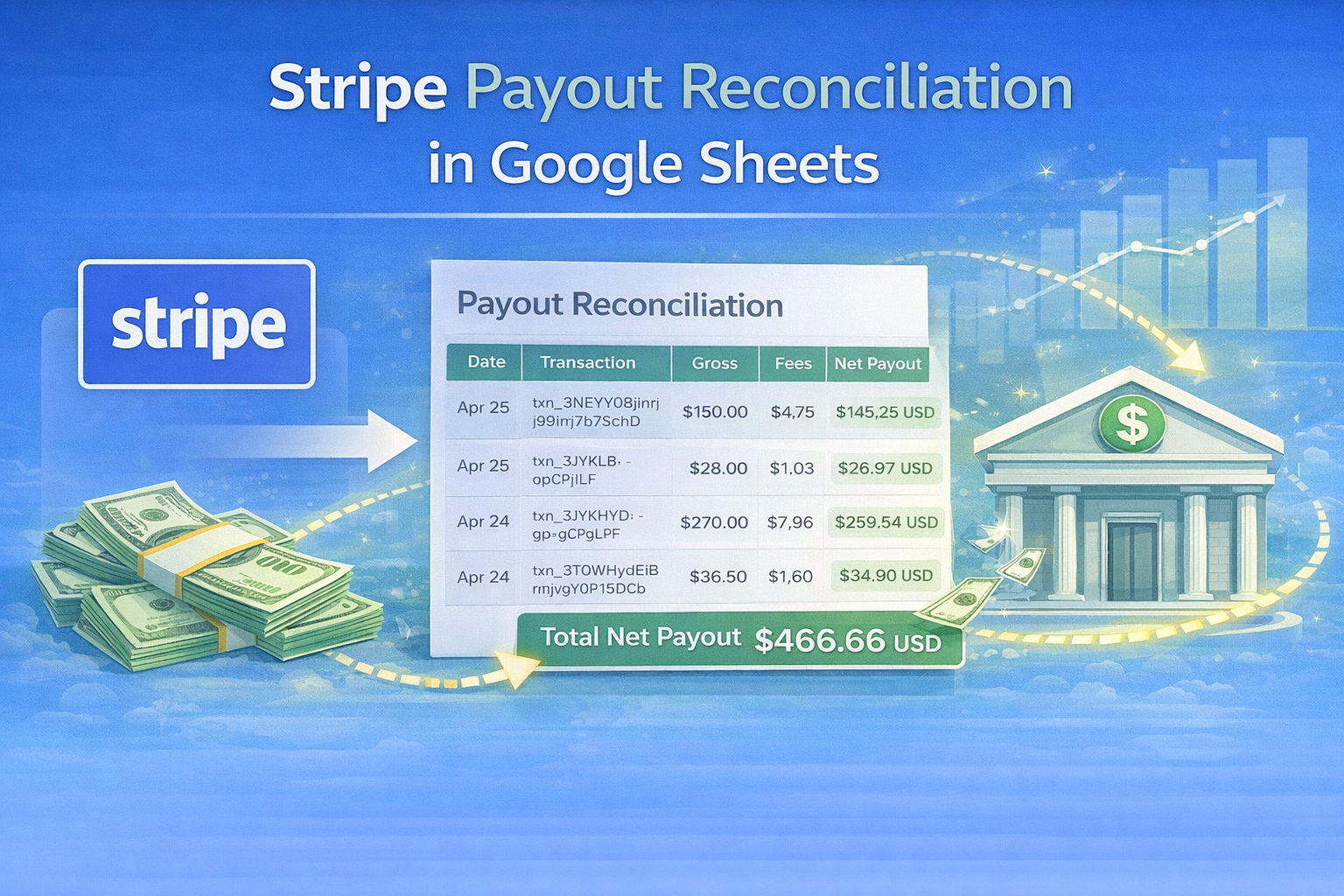
Learn how to reconcile Stripe payouts in Google Sheets, which Stripe exports to use, and how to track deposits without repeated CSV cleanup.
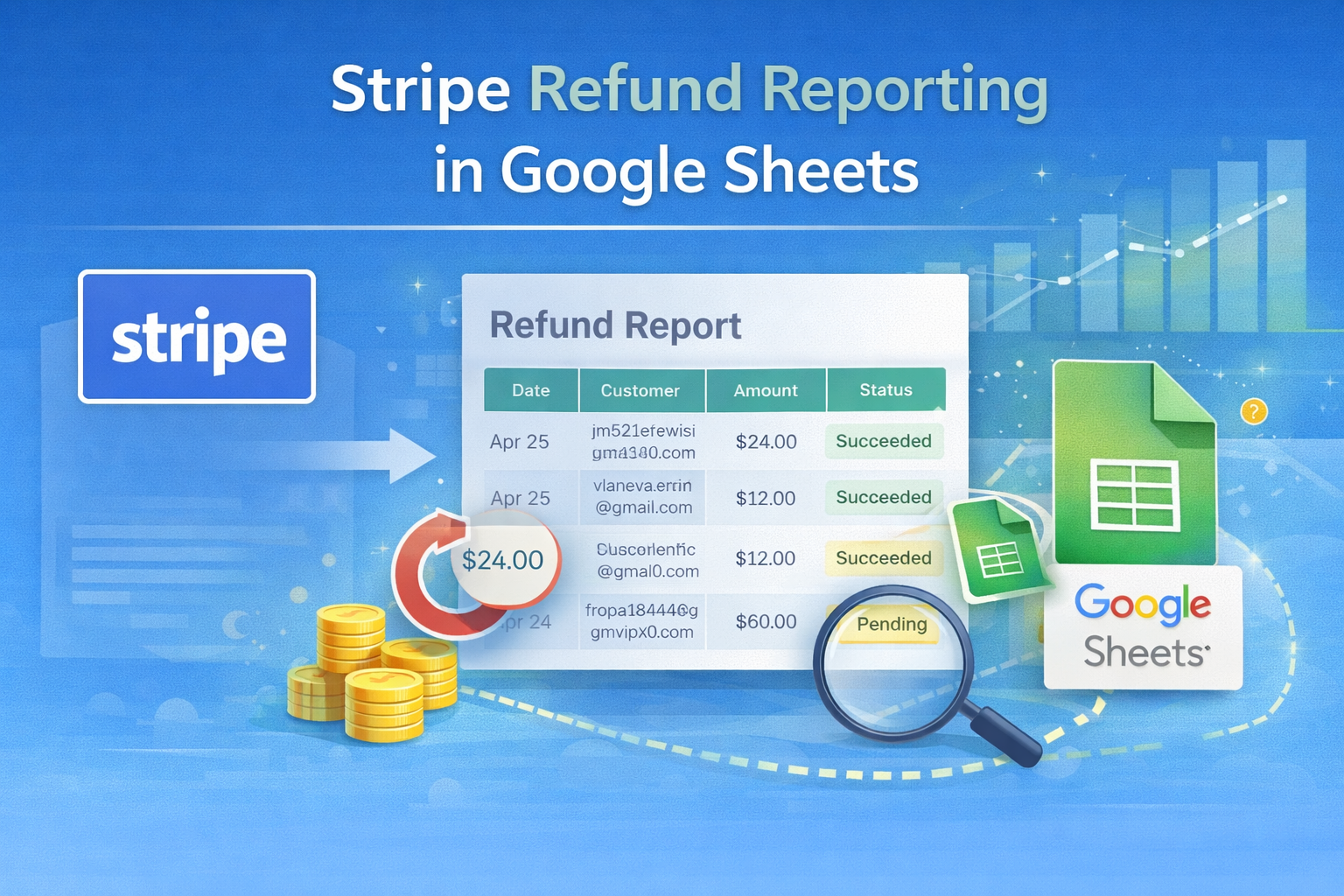
Learn how to build Stripe refund reporting in Google Sheets, which Stripe exports to use, and how to track refunds without repeated CSV cleanup.
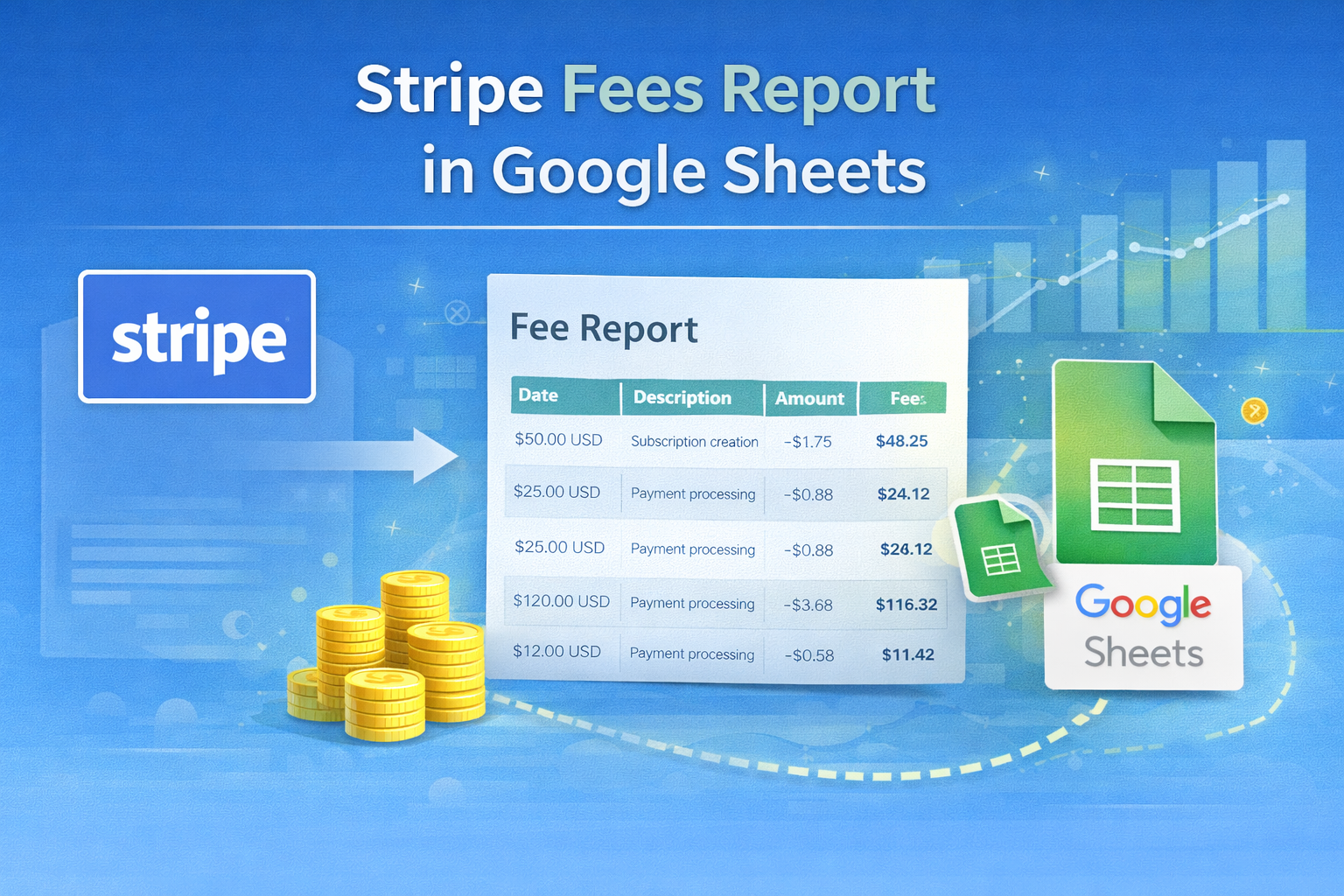
Learn how to build a Stripe fees report in Google Sheets, which Stripe data to export, and how to analyze processing fees without manual CSV cleanup.

Calculate partner or affiliate payouts from Stripe net revenue after refunds, fees, credits, and agreed deductions.

Export Stripe payments, invoices, customers, payouts, and other data to CSV, then prepare the files for reporting in Google Sheets.
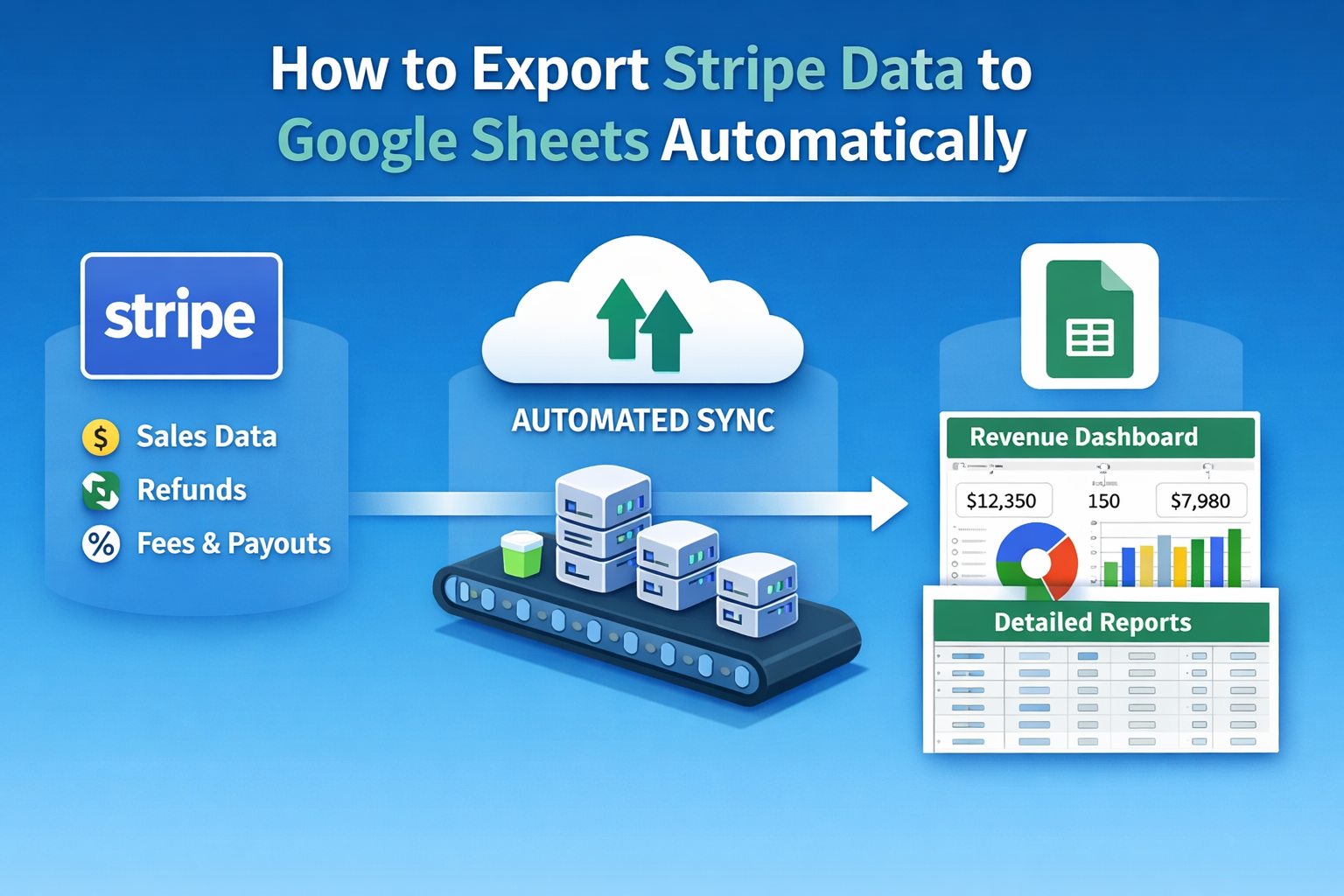
Keep Stripe billing data in Google Sheets for reporting and reconciliation without repeated CSV exports, manual cleanup, or custom scripts.

Calculate Stripe sales commissions using invoice line items, clear revenue rules, ownership mapping, refunds, and clawbacks.
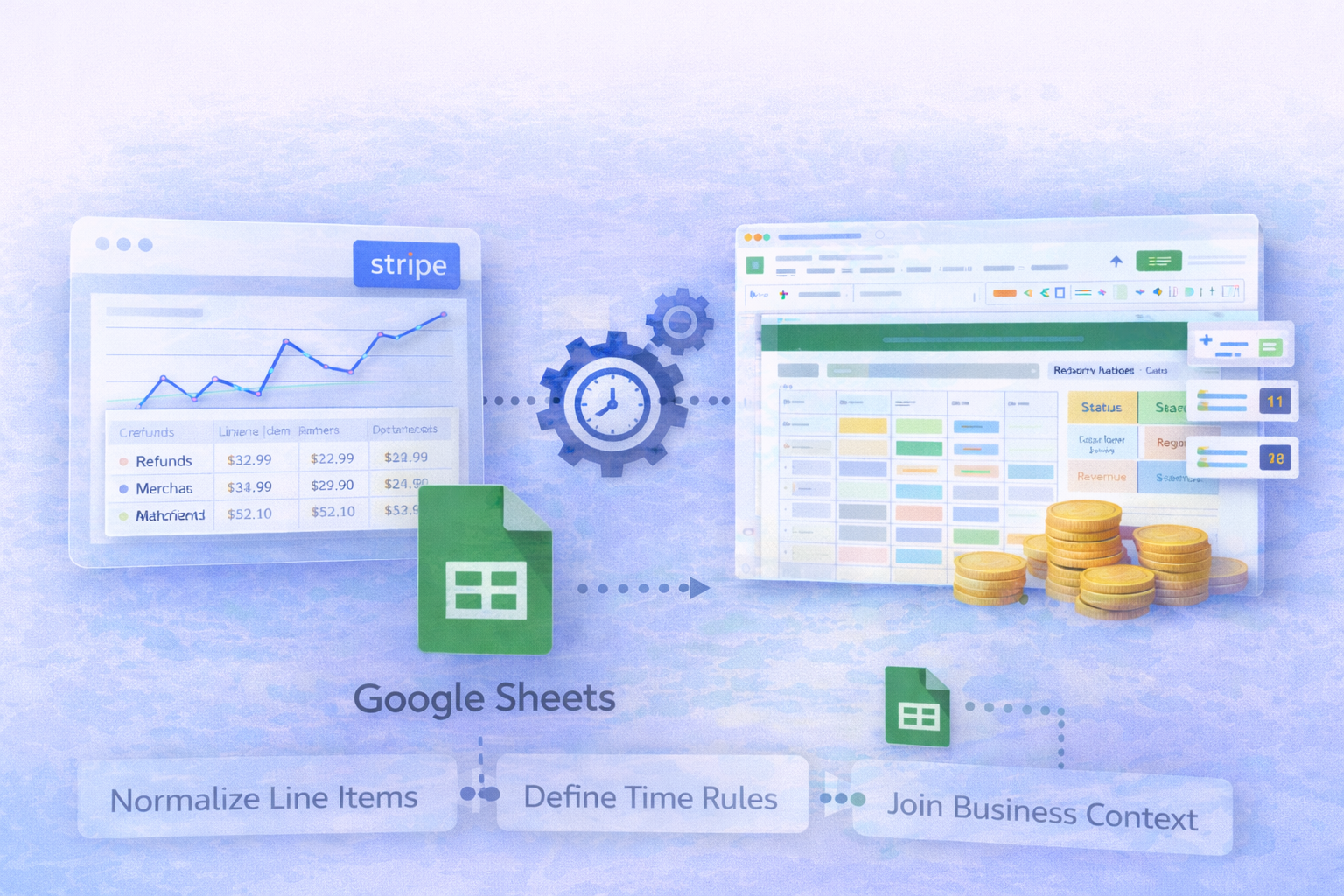
Build repeatable Stripe reporting with normalized line items, consistent time rules, business context, and Google Sheets.
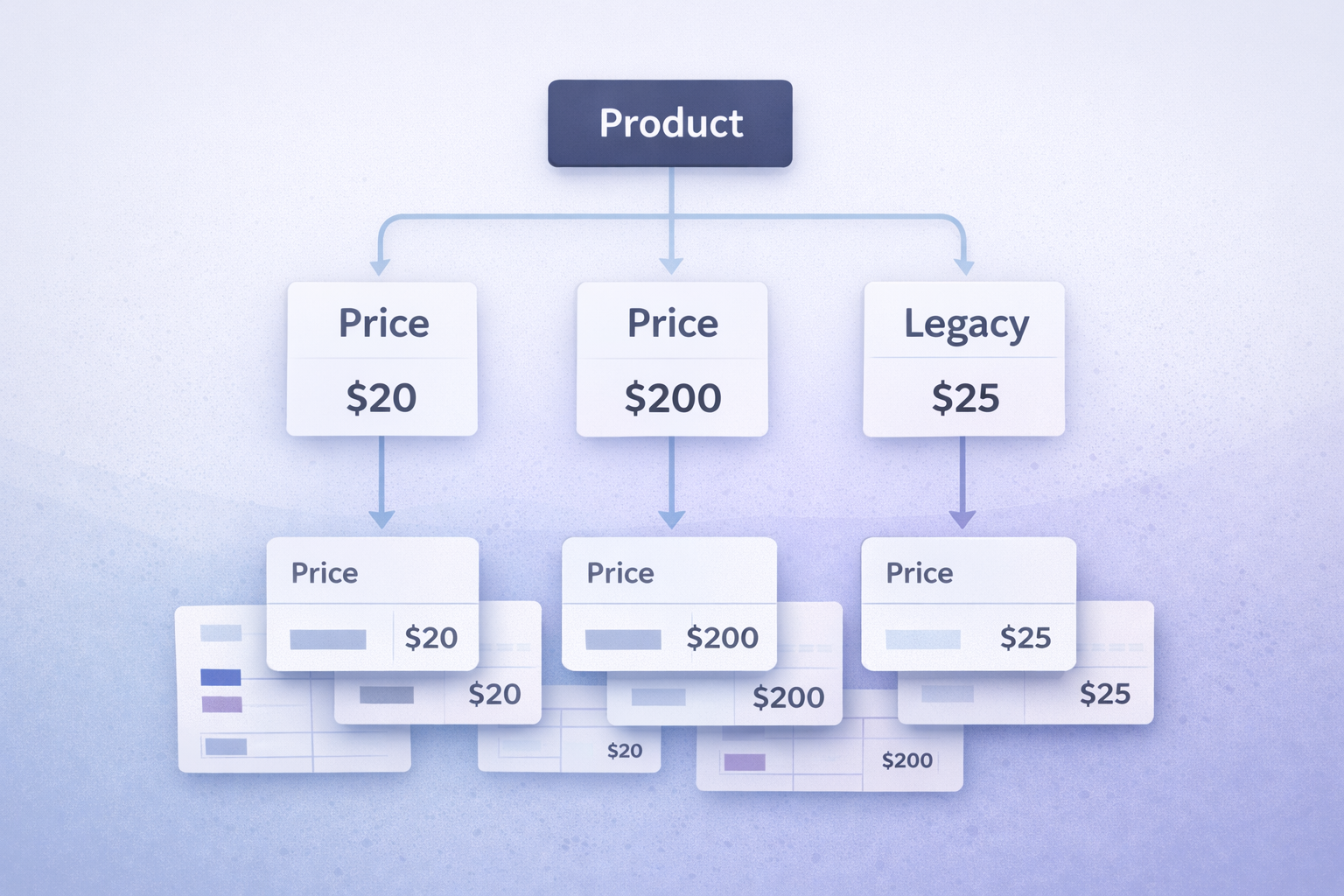
Calculate Stripe revenue by product using invoice line items, price-to-product mapping, proration rules, refunds, and credits.
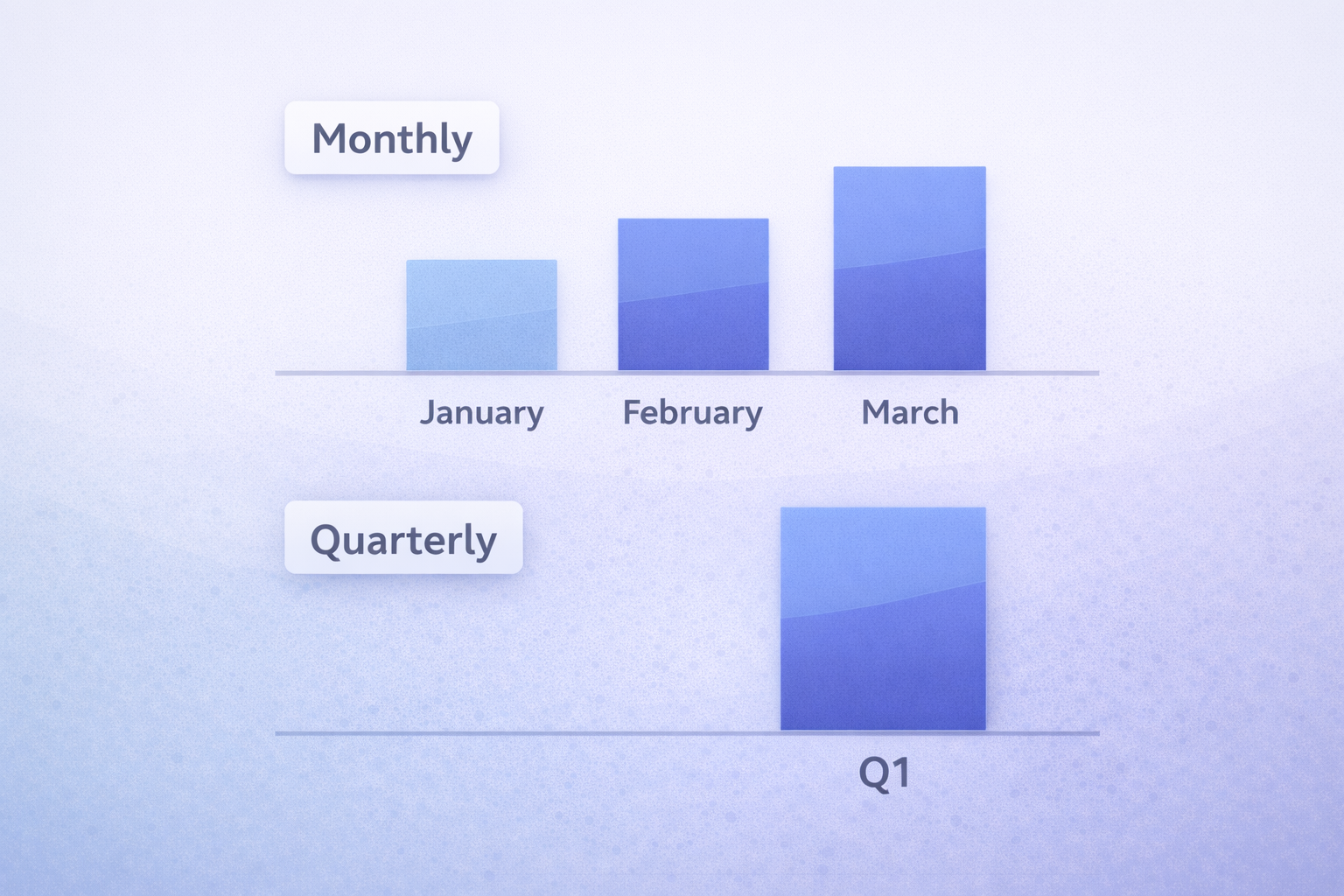
Compare invoice, payment, charge, and service-period dates to choose a consistent monthly or quarterly Stripe revenue definition.

See why teams use Google Sheets for Stripe reporting, where CSV exports break down, and what a reliable Stripe to Google Sheets integration should handle.

Learn where Stripe's native reports and CSV exports fall short for repeatable revenue reporting, reconciliation, and operational analysis.
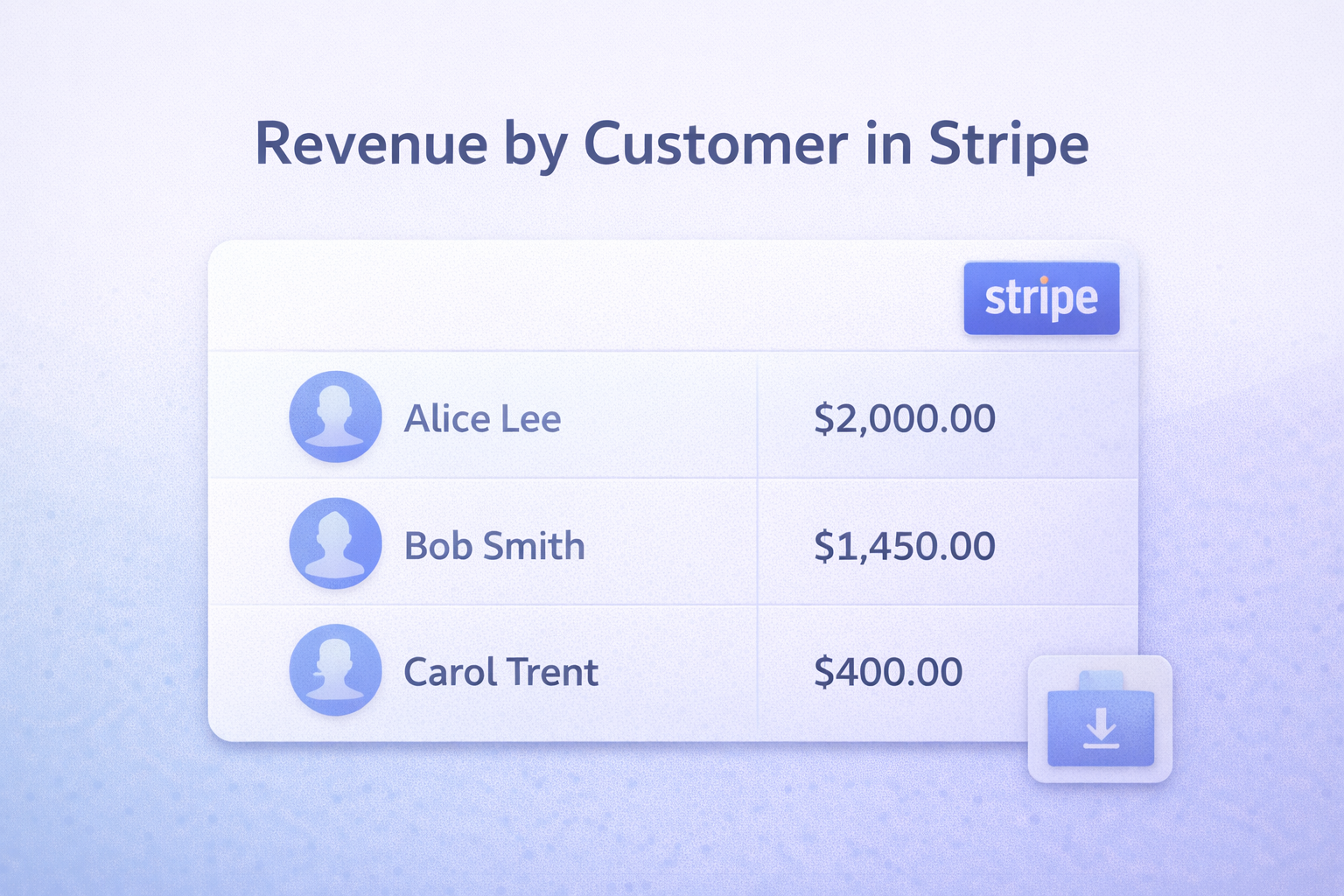
Learn how to see revenue by customer in Stripe, why the dashboard and CSV exports fall short, and how to build a repeatable customer revenue report.
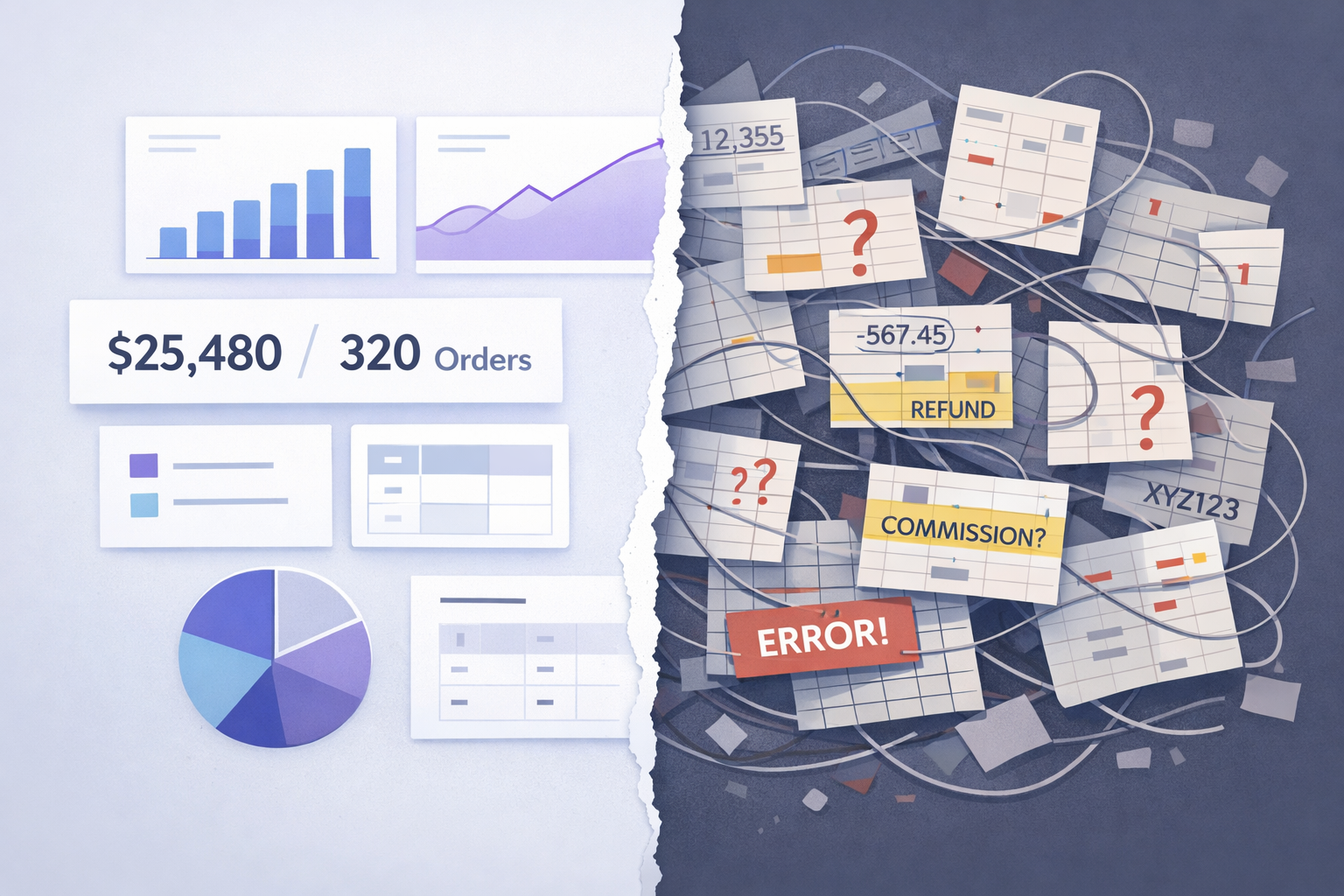
Stripe records payments, not business-ready revenue. Learn why simple questions like revenue by product or customer are hard to answer in Stripe.